

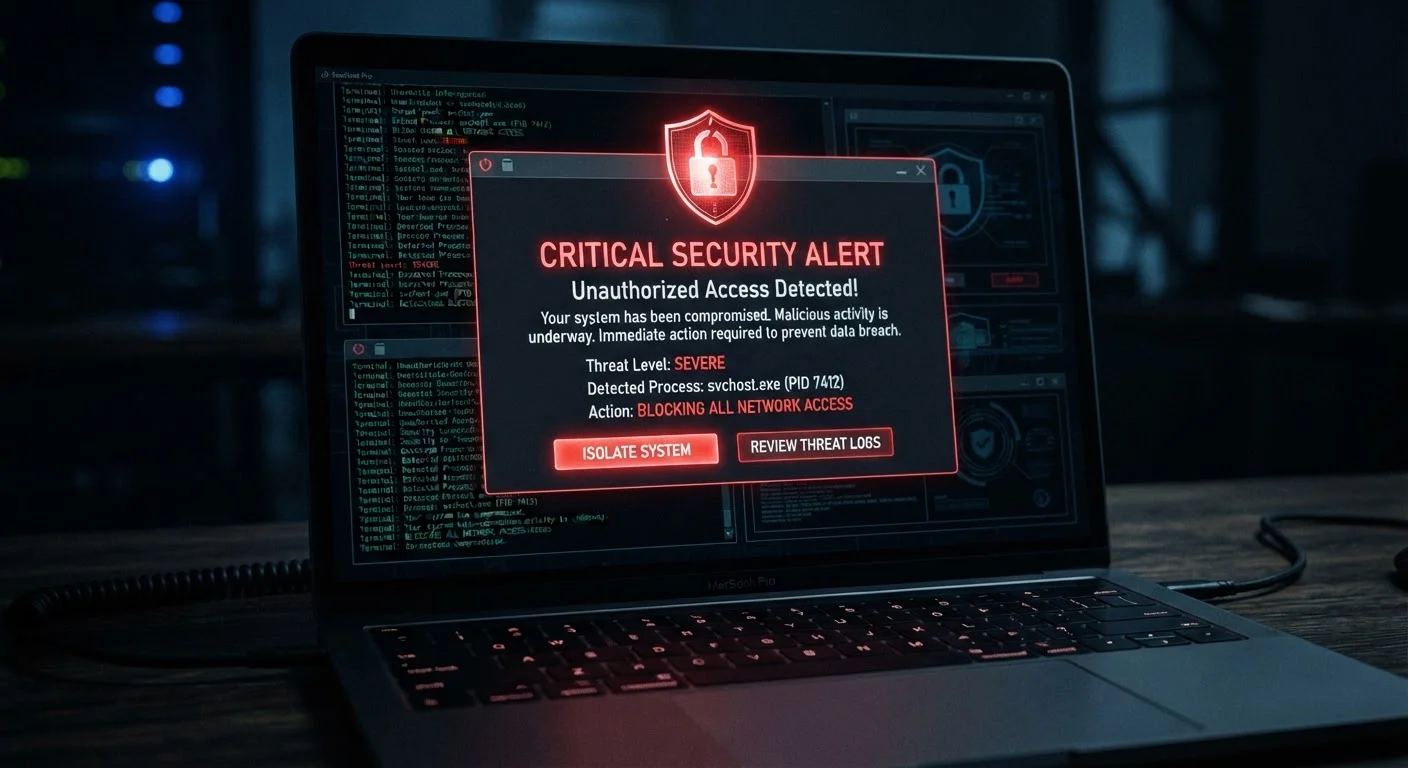
Why Accounts Get Compromised
Account breaches happen through several common pathways: credential stuffing (attackers using usernames and passwords leaked in previous data breaches), phishing (tricking you into entering your credentials on a fake site), malware on your device, or weak passwords that are easily guessed. In many cases, victims aren't immediately aware anything has happened.
The consequences range from nuisance-level spam to serious financial harm, particularly when a breached account is linked to payment methods or used for banking login. Understanding the attack surface helps you respond effectively when something goes wrong.
What you will need
What You'll Need Before You Start
Recovering a compromised account requires quick access to certain resources. Gather these before working through the steps below.
Password Manager
Generates and stores strong, unique passwords for every account so you never reuse credentials.
Authenticator App
Provides time-based one-time codes for two-factor authentication, more secure than SMS codes.
Have I Been Pwned (haveibeenpwned.com)
Free public tool to check whether your email address appears in known data breaches.
Account Activity Log
Built into most major platforms; shows recent login locations, devices, and timestamps for your account.
If your primary device may itself be compromised — for example, if you've recently downloaded unfamiliar software or clicked a suspicious link — consider using a different, trusted device for the recovery process.
Don't Delay — Time Is Critical
If you suspect your account has been taken over, act immediately. Every minute an attacker retains access increases the risk of further damage — including password resets on linked accounts, unauthorized purchases, or identity theft. Do not wait to confirm your suspicions before starting the recovery process.
Step-by-Step: Recovering Your Account
Follow these steps in order. Speed matters — the sooner you act, the less time an attacker has to use your account for further harm.
Identify the Warning Signs
Before taking action, confirm that something suspicious has actually occurred. Common indicators include:
- Unfamiliar login activity — emails or notifications about logins from locations or devices you don't recognize
- Changed account details — your recovery email, phone number, or username has been altered without your action
- Missing or deleted emails — attackers often delete password reset emails to cover their tracks
- Locked out of your account — your correct password no longer works
- Unexpected sent messages — spam or phishing emails sent from your address to your contacts
Even one of these signals warrants immediate investigation. To understand how attackers often gain initial access, see our article on why phishing attacks still succeed.
Change Your Password Immediately
If you still have access to the account, change your password right away. Use a strong, unique password that is at least 12 characters long and combines letters, numbers, and symbols. Do not reuse a password from any other account.
If you're locked out, use the platform's official account recovery process — look for a "Forgot password" or "Can't access my account" link on the login page. Recovery typically involves your backup email or phone number.
Enable Two-Factor Authentication
Two-factor authentication (2FA) requires a second form of verification — such as a code from an authenticator app — in addition to your password. Even if an attacker obtains your new password, they cannot access the account without this second factor.
Navigate to your account's security settings and enable 2FA. An authenticator app is more secure than SMS-based codes, which can be intercepted through SIM-swapping attacks.
Review and Revoke Connected Apps and Sessions
Attackers may have authorized third-party apps or left active sessions open on other devices. In your account's security settings, review all connected applications and revoke access to any you don't recognize. Sign out of all active sessions other than your current one.
Also check whether your account details — recovery email, phone number, security questions — were changed by the attacker and restore them to your correct information.
Audit Linked Accounts and Notify Contacts
A breached account is often a gateway to others. Identify every account where you use the same password or the compromised account as a recovery method, and update those credentials as well.
If the attacker sent messages from your account, notify your contacts so they know not to click any suspicious links. This is especially important for email and social media accounts where your contacts trust messages from you.
Building strong digital security habits going forward is the most effective way to prevent repeat incidents.
Linked Accounts Face Elevated Risk
A compromised email account is especially dangerous because it can be used to reset passwords on your bank, shopping, and social media accounts. If you suspect your email has been breached, prioritize securing it first and then audit every account that uses it for login or password recovery. Review your credit and banking accounts for any unauthorized activity as well.
Preventing Future Compromises
After securing your account, shift focus to prevention. Unique passwords for every account, 2FA across all critical services, and a habit of reviewing account activity periodically are the most effective defenses available to everyday consumers.
Run a Privacy Audit Annually
After recovering your account, don't stop there. A structured review of all your accounts, permissions, and data exposure points can surface vulnerabilities before attackers find them. Follow our annual online privacy audit checklist to stay ahead of future threats.
This article is for informational purposes only. It provides general guidance on account security and does not constitute professional cybersecurity or legal advice. If you believe your financial accounts have been fraudulently accessed, contact your financial institution and consider reporting the incident to the Federal Trade Commission at reportfraud.ftc.gov.
The content on this site is for informational purposes only and is not a substitute for professional advice. Always consult a qualified professional for guidance specific to your situation.