

Option A
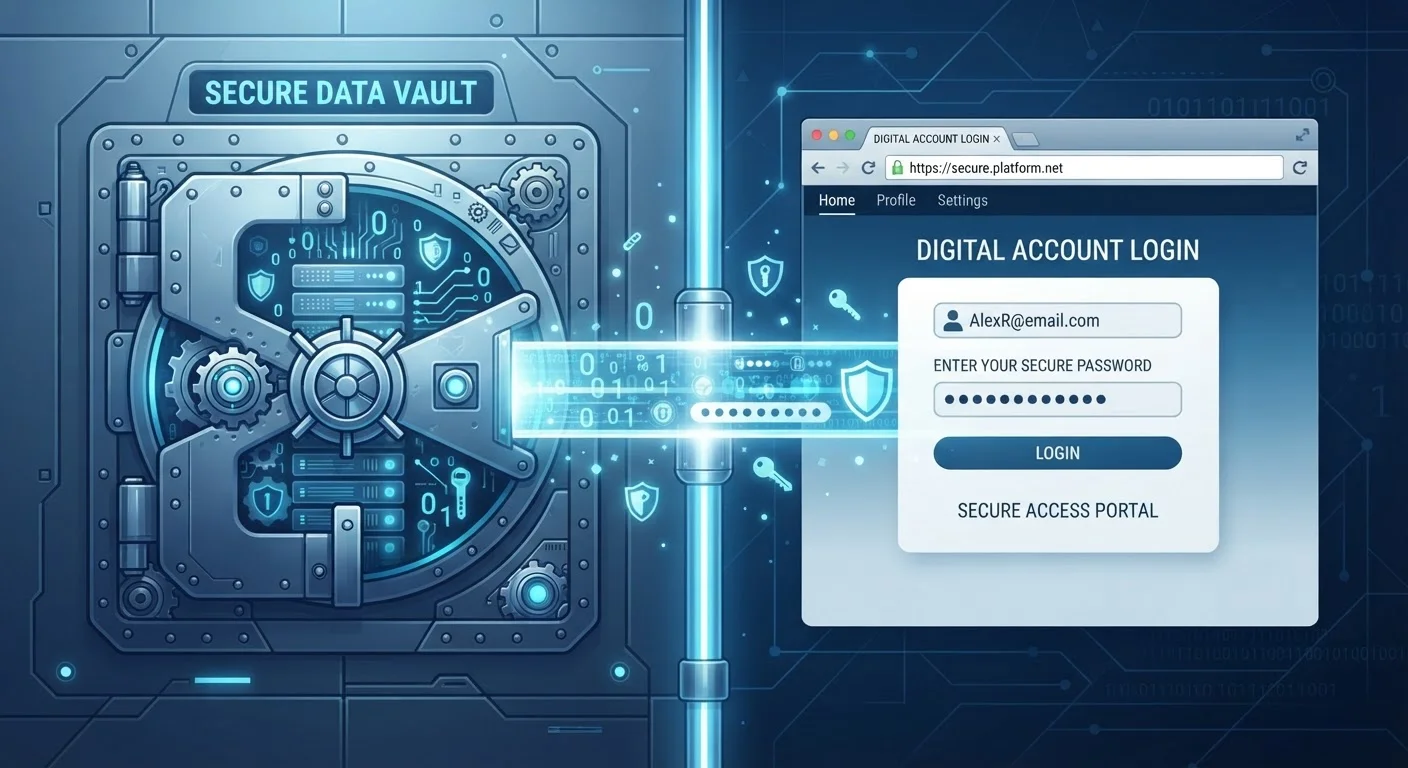
Dedicated Password Manager
The purpose-built, security-first credential vault.
Best for: Users who want strong encryption, cross-browser access, and advanced features like breach alerts and secure sharing.
Option B
Browser-Saved Passwords
The built-in, convenient option already in your browser.
Best for: Users who want frictionless, zero-setup credential storage within a single browser ecosystem.
How Each Approach Stores Your Credentials
When you save a password in a browser like Chrome, Firefox, or Safari, your credentials are stored locally and synced to the browser maker's cloud infrastructure — tied to your browser account. The encryption applied varies by browser, but your passwords are generally accessible to anyone logged into your browser profile on that device.
Dedicated password managers — standalone apps or browser extensions built solely to manage credentials — store passwords in an encrypted vault protected by a master password you set. Most use end-to-end encryption, meaning the provider cannot read your passwords even if their servers are accessed. Your data is decrypted only on your own device.
This architectural difference is meaningful. Browser storage is convenient because it's already there. Dedicated managers require a deliberate setup step, but that friction reflects a more deliberate security model. For a broader look at building secure habits, see strong digital security habits that reduce everyday risk.
| Criterion | Dedicated Password Manager | Browser-Saved Passwords |
|---|---|---|
| Encryption model | End-to-end, zero-knowledge | Varies; tied to browser account |
| Cross-browser support | Yes — works in all major browsers | Limited to native browser ecosystem |
| Breach monitoring | Comprehensive, often real-time | Basic or limited |
| Secure password generation | Built-in, highly configurable | Available, less configurable |
| Setup required | Yes — app and account creation | Minimal — already in browser |
| Secure sharing | Available in most managers | Generally not available |
| Cost | Free tiers exist; paid plans vary | Free, included with browser |
Security Strengths and Gaps
Browser-saved passwords have improved substantially over the years. Major browsers now flag reused or weak passwords and, in some cases, warn you if a saved credential appears in a known data breach. However, these alerts tend to be less comprehensive than what dedicated managers provide.
Dedicated managers are generally designed around a zero-knowledge model — the service provider holds only encrypted data and cannot recover your vault without your master password. Many also offer ongoing breach monitoring tied to your email addresses, detailed password-health reports, and secure one-time sharing. These are features browsers have only partially replicated.
One vulnerability both approaches share: if your primary account is compromised — your Google, Apple, or browser-sync account for browsers, or your master password for a dedicated manager — an attacker could potentially access every stored credential. This is why two-factor authentication on whichever account protects your passwords is not optional — it's essential.
81%
Data breaches involving stolen credentials
According to Verizon's Data Breach Investigations Report, the majority of hacking-related breaches involve compromised or weak passwords.
~100
Average passwords per person
NordPass research has estimated that the average internet user maintains close to 100 passwords across accounts, highlighting the impracticality of memorization.
Portability, Flexibility, and Everyday Use
Browser-saved passwords work best inside their native environment. Passwords saved in Chrome auto-fill reliably in Chrome but are not automatically available in Safari or Firefox. If you switch browsers, travel, or use a work computer with a different browser, you may find yourself locked out of convenient access.
Dedicated password managers install as extensions across multiple browsers and have companion apps for iOS and Android. Your vault follows you regardless of which browser or device you're using. For users who move between ecosystems — say, a Windows laptop at work and an iPhone at home — this cross-platform consistency is a practical advantage.
Ease of use favors browsers for single-ecosystem users. The auto-fill is seamless and requires no additional software. For anyone managing many accounts across contexts, a dedicated manager typically offers more reliable, flexible access. If you're new to thinking about your overall digital footprint, this beginner's guide to digital privacy covers foundational concepts in plain English.
Either Option Beats Password Reuse
Both dedicated managers and browser-saved passwords are meaningfully more secure than the common habit of reusing the same password across multiple sites. If a credential is exposed in one breach, reused passwords put every other account at risk. Whichever storage method you choose, using unique, complex passwords for every account is the foundational step. Both tools can generate and store those passwords automatically — you don't need to memorize them.
The content on this site is for informational purposes only and is not a substitute for professional advice. Always consult a qualified professional for guidance specific to your situation.