

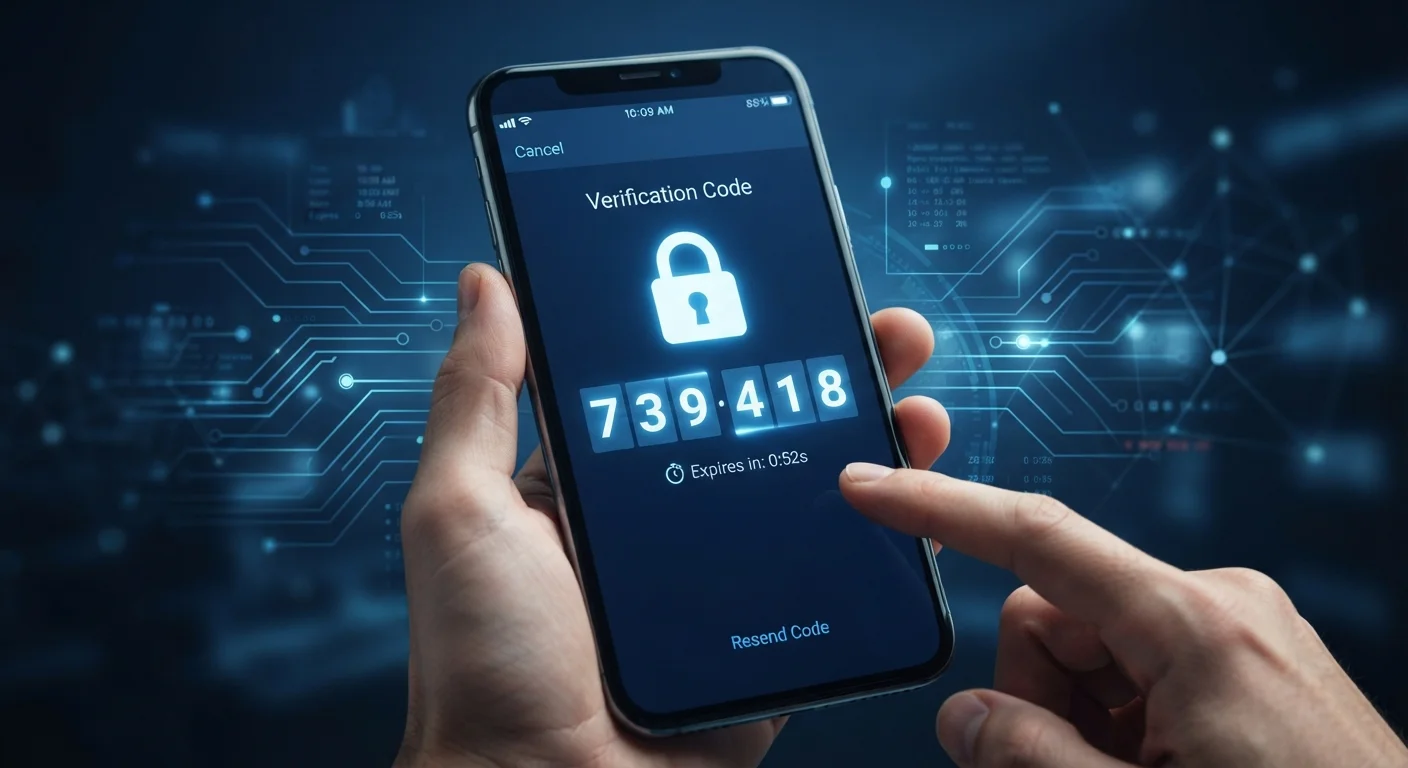
Why a Password Alone Isn't Enough
Passwords are the oldest form of digital security, but they have a fundamental weakness: once someone else has yours, they have everything they need to access your account. Passwords get stolen through data breaches, guessed through automated tools, or exposed via phishing emails that look convincingly legitimate.
Two-factor authentication addresses this gap by requiring a second proof of identity at login. Even if an attacker obtains your password through a breach, they still can't get in without that second factor — which is typically something only you have physical access to, like your smartphone.
This principle mirrors physical security. A deadbolt alone secures a door, but a deadbolt plus a security chain provides layered protection. For a look at how layered security thinking applies beyond the digital world, see how door lock types compare.
99.9%
Of automated account attacks blocked by MFA
Microsoft has reported that enabling multi-factor authentication blocks over 99.9% of automated credential-stuffing and password-spray attacks on accounts.
~80%
Of breaches involve stolen or weak credentials
Verizon's Data Breach Investigations Report has consistently found that the large majority of hacking-related breaches exploit compromised passwords, underscoring why a second factor matters.
The Three Verification Factors — and How 2FA Uses Them
Security systems classify verification into three broad categories:
- Something you know — a password, PIN, or security answer
- Something you have — a smartphone, hardware security key, or one-time code
- Something you are — a fingerprint, face scan, or other biometric
True two-factor authentication combines two of these categories. A password paired with a fingerprint scan is genuine 2FA. A password paired with a second password is not — that's just two instances of the same factor.
“Passwords are not enough. Adding a second factor — especially one tied to a physical device — is one of the simplest and most effective steps individuals can take to protect their accounts.”
— Cybersecurity and Infrastructure Security Agency (CISA), U.S. federal agency responsible for national cybersecurity guidance
Understanding this distinction helps you evaluate the security of a service. When a site asks for your password and then a code generated by an authenticator app, it's combining "something you know" with "something you have" — a genuinely stronger combination.
Common Forms of Two-Factor Authentication
Not all second factors offer the same level of protection. Here's how the most common types work:
SMS and Email Codes
A one-time code is sent to your phone number or email address. It's widely supported and easy to use, but SMS codes are vulnerable to SIM-swapping attacks, where a bad actor tricks a mobile carrier into reassigning your phone number to their device.
Authenticator Apps
Apps generate time-based, one-time passwords (TOTP) directly on your device without relying on cellular service or internet connectivity. Because the code never travels over a network to reach you, it's harder to intercept. This is a more secure option than SMS for most people.
Hardware Security Keys
Physical devices that plug into a USB port or tap via NFC to verify your identity. They're resistant to phishing because they authenticate the actual website domain — a fake login page won't work. Hardware keys are commonly used to protect high-value accounts.
Biometrics
Fingerprints and face recognition serve as a second factor on many mobile devices. They're convenient and difficult to replicate remotely, though their security depends on the quality of the device's implementation.
Start With Your Most Critical Accounts
Enable 2FA on your primary email first — it's the master key to every other account. Then move to financial accounts, followed by social media and any service that stores payment details. Most major platforms offer 2FA in their security or privacy settings menu.
Putting 2FA Into Practice
Enabling 2FA is one of the most impactful steps you can take for your online security, and it pairs well with other foundational habits. Your email account is the highest-priority target — it controls password resets for nearly every other account you own. Financial accounts, including banking and credit services, are equally critical. For context on how banking account security fits into broader financial awareness, explore resources in the Credit & Banking section.
Social media accounts are also worth securing; for a complementary layer of protection, consider reviewing your social media privacy settings after enabling 2FA.
2FA works best as part of a broader security posture. Strong, unique passwords managed through a dedicated tool complement 2FA well — understanding password storage options is a natural next step. For a complete picture of protective habits, see strong digital security habits that actually reduce your risk.
Frequently Asked Questions
Most services provide backup codes when you first enable 2FA — store these somewhere safe, such as a printed copy in a secure location. You can also set up multiple second factors on services that allow it. If you're locked out, account recovery options vary by service, so review them before you need them.
SMS-based 2FA is far better than no 2FA at all, but it has known vulnerabilities, including SIM-swapping attacks where a bad actor convinces a carrier to transfer your phone number. For accounts holding sensitive information, an authenticator app or hardware key is a more secure choice.
Adding a second step does take an extra 15–30 seconds in most cases. Many services offer a "remember this device" option that skips the second factor on trusted devices for a set period, reducing friction while maintaining protection on new or unknown devices.
No security measure is completely foolproof. Sophisticated phishing attacks can intercept 2FA codes in real time, and SIM-swapping can compromise SMS codes. However, 2FA eliminates the vast majority of automated and opportunistic attacks, making accounts substantially harder to breach.
Start with your primary email account, since it controls password resets for everything else. Next, prioritize financial accounts, social media, and any service that stores payment information or sensitive personal data.
The content on this site is for informational purposes only and is not a substitute for professional advice. Always consult a qualified professional for guidance specific to your situation.