

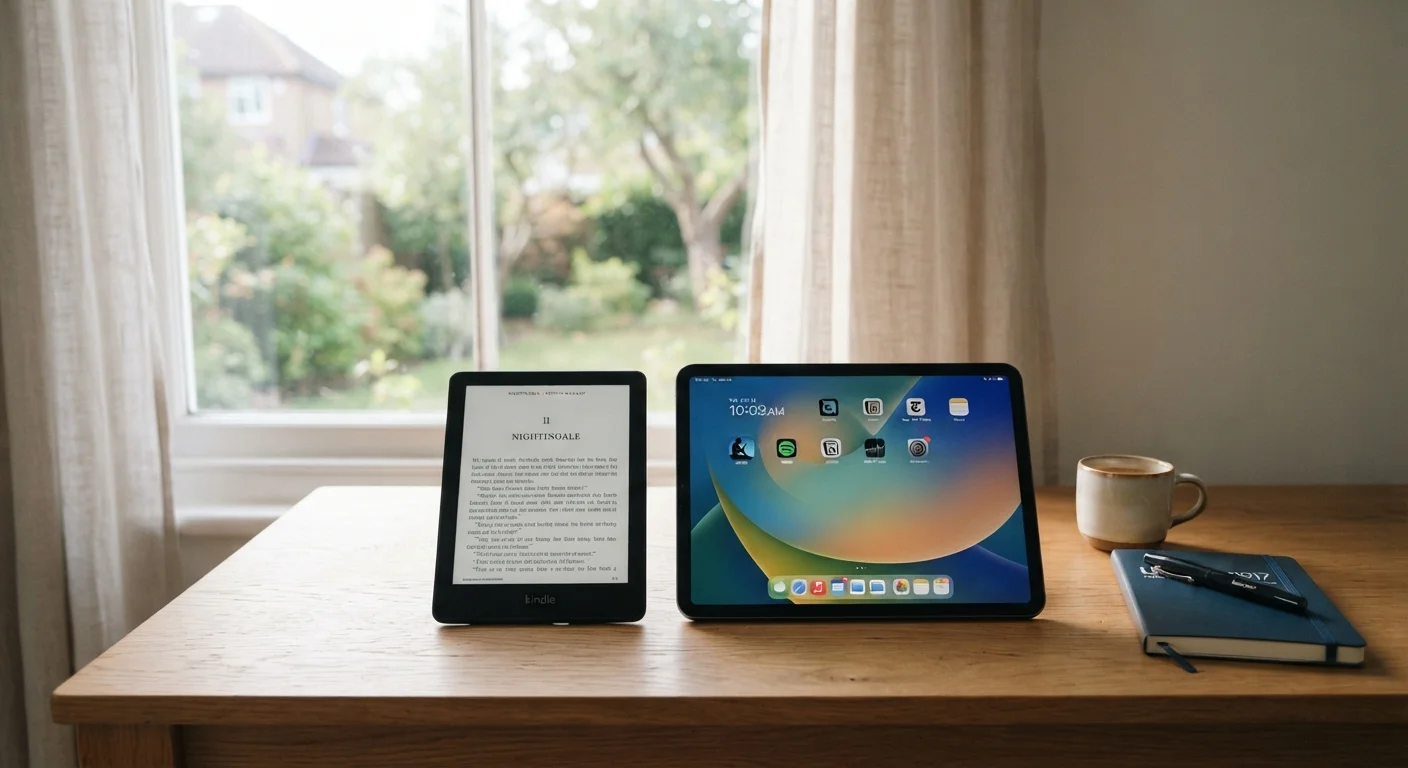
Option A
E-Reader
The focused, eye-friendly reading companion.
Best for: Readers who consume books and long-form text regularly and want a device that mimics paper.
Option B
Tablet
The versatile, multi-purpose digital screen.
Best for: Users who want one device for reading, streaming, browsing, and apps.
How the Display Technology Differs
The most fundamental difference between e-readers and tablets is the screen itself. E-readers use E Ink (electrophoretic ink) panels, which work by rearranging tiny charged particles to form text. The screen only draws power when the image changes, which is why battery life is measured in weeks rather than hours. Crucially, E Ink is a reflective technology — it bounces ambient light toward your eyes the same way a printed page does.
Tablets use LCD or OLED panels, which are backlit or self-lit displays designed for rich color, video, and fast refresh rates. These screens are excellent for multimedia but emit light directly at your eyes. During extended reading, that direct light emission is what many readers find fatiguing — especially in low-light environments.
For a deeper look at how panel types and refresh rates affect real-world use, see the consumer's field guide to display specs.
| Criterion | E-Reader | Tablet |
|---|---|---|
| Display type | E Ink (reflective) | LCD or OLED (backlit/self-lit) |
| Typical battery life | 3–8 weeks | 1–2 days |
| Color support | Grayscale (some limited color) | Full color |
| App ecosystem | Reading-focused, limited | Full mobile OS app store |
| Outdoor readability | Excellent in sunlight | Can struggle in bright light |
| Weight | Very light (150–220g typical) | Heavier (300–700g typical) |
| Video & streaming | Not supported | Fully supported |
| Primary use case | Books and long-form reading | Reading, media, productivity |
Battery Life, Portability, and Ecosystem
Battery life is where e-readers hold a clear, measurable advantage. A typical e-reader can last anywhere from three to eight weeks under normal reading conditions, because the display only consumes power during page turns. Tablets, even well-optimized ones, typically need charging every one to two days with moderate use.
Portability is more nuanced. E-readers are lighter and thinner than most tablets, making them easy to slip into a bag without adding noticeable weight. However, tablets offer a broader screen size range and can double as productivity or entertainment devices, reducing the number of gadgets you carry overall.
The app ecosystem gap is significant. Tablets run full mobile operating systems — Android or iPadOS — giving access to streaming services, productivity suites, web browsers, and communication apps. E-readers run stripped-down software optimized for reading. Some support audiobooks and basic browser access, but they are not general-purpose devices.
~6 weeks
Typical e-reader battery life on a single charge
E Ink displays only draw power when the screen refreshes, giving e-readers dramatically longer battery endurance than LCD or OLED tablets.
1–2 days
Typical tablet battery life under moderate use
Backlit display panels and active app processing consume significantly more energy, requiring near-daily charging for most tablet users.
Understanding how device specs translate to real-world performance can help you avoid marketing-driven decisions. The article on how gadget spec sheets can mislead explains which numbers actually matter day to day.
Eye Strain, Sleep, and Comfort Over Time
Reader comfort over long sessions is one of the most practically important factors in this comparison. E Ink's paper-like appearance means there is no constant backlight flickering or blue-light emission in the same way as LCD or OLED screens. Many readers report less fatigue after an hour on an e-reader compared to a tablet.
That said, most modern e-readers include a built-in front-light — a softer, adjustable illumination that shines across the surface rather than through it. Many models allow you to shift the light toward warmer tones in the evening, which some research suggests may be less disruptive to sleep patterns than standard blue-tinted screen light. Tablets increasingly offer similar night modes, but the underlying panel technology still emits more direct light.
Blue Light and Sleep: What We Know
Research into blue-light exposure from screens and its effect on sleep is ongoing and not fully settled. What is broadly supported is that exposure to bright light of any color close to bedtime can affect alertness. Warmer-tone display settings on either device type may help, but individual sensitivity varies. If sleep quality is a concern, speaking with a healthcare professional is advisable rather than relying solely on device settings.
For people who read primarily for relaxation or wind-down purposes, display comfort can matter as much as content access. If you rely on apps for mental wellness or habit-tracking, you may find it worthwhile to keep a tablet in your toolkit alongside an e-reader — each serving a distinct role in your daily routine.
Making the Call: Matching the Device to Your Habits
The right device depends almost entirely on how you actually spend time reading. If books, long articles, or longform journalism make up the majority of your digital reading, an e-reader's comfort, battery life, and lightweight form genuinely serve that habit. If your reading is mixed — a chapter here, a news feed there, a video tutorial next — a tablet's versatility makes more practical sense.
Cost is also a relevant factor, though it varies widely. Entry-level e-readers tend to be less expensive than mid-range tablets, but high-end e-readers can approach tablet price territory. Before focusing too narrowly on the purchase price, consider the habits that keep devices running longer, since longevity affects the real cost of ownership over time.
Neither device is objectively superior. One is purpose-built for a single task it does exceptionally well; the other is a general-purpose tool that handles reading alongside much else. Knowing which description matches your routine is the most reliable guide to making the right call.
The content on this site is for informational purposes only and is not a substitute for professional advice. Always consult a qualified professional for guidance specific to your situation.