

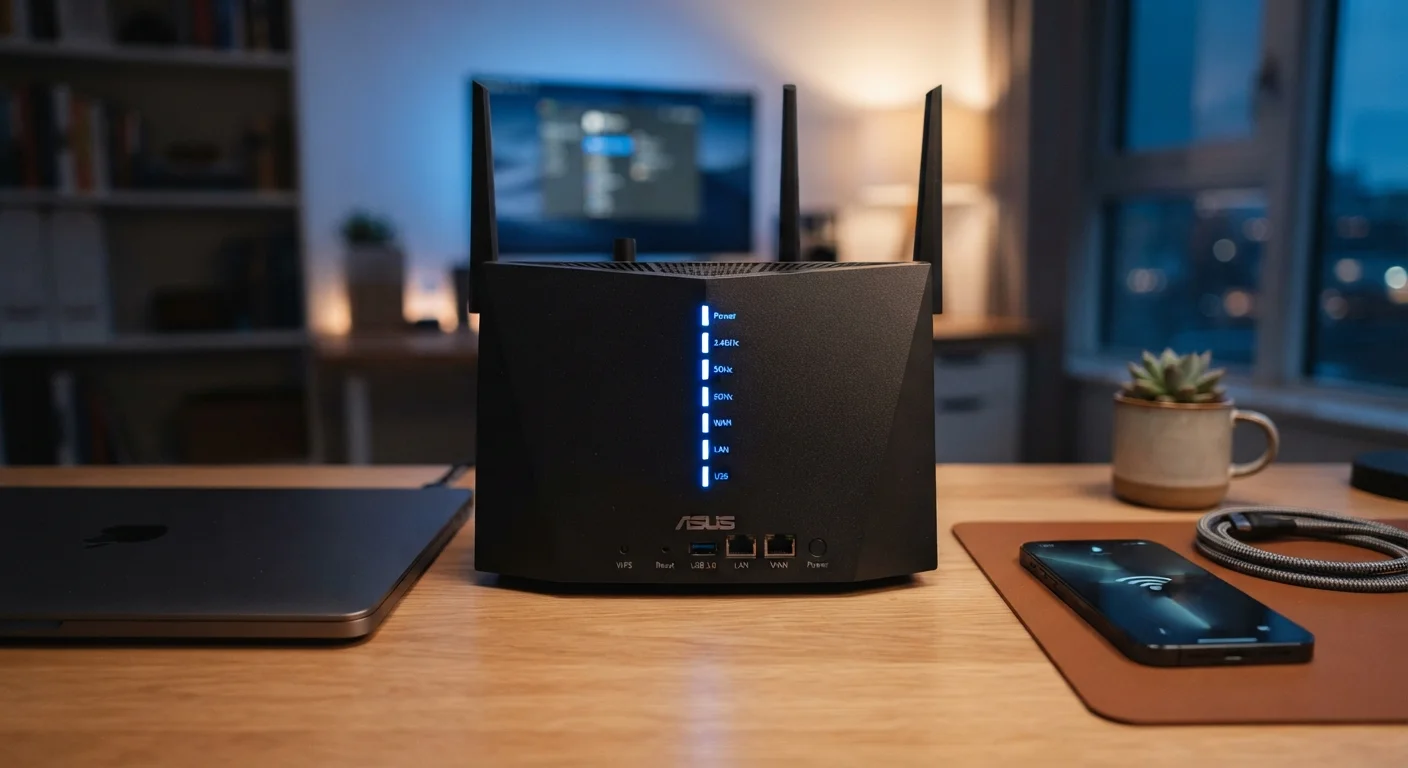
Why Internet Jargon Feels So Confusing
Your internet plan says "up to 300 Mbps." Your router box advertises "dual-band 2.4 GHz / 5 GHz." Your speed test spits out a latency number in milliseconds. None of it comes with a translation guide — until now.
This glossary covers the terms you'll actually encounter on your internet bill, router packaging, and speed test results. Each definition is written for general readers with no networking background required. For a deeper look at how different connection types compare, see Home Internet 101.
Mbps
Megabits per second — the standard unit for measuring internet speed. It describes how much data can be downloaded or uploaded in one second. One megabit equals 1,000 kilobits; one gigabit equals 1,000 megabits.
Gbps
Gigabits per second — 1,000 Mbps. Used to describe very high-speed connections, such as fiber-optic plans or wired Ethernet links between devices. Consumer plans offering 1 Gbps are increasingly common in fiber-served areas.
Latency
The time — measured in milliseconds (ms) — it takes for a data packet to travel from your device to a server and back. Lower latency means more responsive connections. Under 50 ms is generally good; over 150 ms may cause noticeable lag in real-time applications.
Ping
A test that measures latency by sending a small data packet to a server and timing the round trip. The result, shown in milliseconds, is often called the ping value or ping rate. It appears on most internet speed test results.
Bandwidth
The maximum data transfer capacity of a connection, expressed in Mbps or Gbps. Higher bandwidth means more data can flow simultaneously — important when many devices share one connection.
GHz (Gigahertz)
A unit of frequency used to describe Wi-Fi radio bands. Home routers typically broadcast on 2.4 GHz (longer range, slower speeds) and 5 GHz (shorter range, faster speeds). Some newer routers also include a 6 GHz band.
Upload vs. Download Speed
Download speed measures how fast data comes to your device (streaming, browsing, loading pages). Upload speed measures how fast data leaves your device (video calls, cloud backups, sending files). Most residential plans offer much faster download than upload speeds.
Jitter
The variation in latency over time. A consistent latency of 30 ms is fine, but if it fluctuates between 10 ms and 90 ms rapidly, that instability — called jitter — causes choppy audio and video in calls and games.
IP Address
A numerical label assigned to every device on a network that identifies it and enables communication. Your router gets a public IP address from your internet provider; devices in your home get private IP addresses from the router.
DNS
Domain Name System — a directory that translates human-readable website addresses (like example.com) into numerical IP addresses that computers use. A slow or congested DNS server can make web browsing feel sluggish even on a fast connection.
Router vs. Modem
A modem connects your home to your internet provider's network. A router distributes that connection to your devices via Wi-Fi or Ethernet. Many providers supply a single device — called a gateway — that combines both functions.
Wi-Fi Standard (802.11)
A family of wireless networking protocols defined by the IEEE. You may see labels like Wi-Fi 5 (802.11ac) or Wi-Fi 6 (802.11ax) on router packaging. Newer standards generally support faster speeds and handle more simultaneous devices more efficiently.
Key Numbers at a Glance
Before diving into each term individually, here's a quick-reference snapshot of the most common figures you'll see — and what a typical household might realistically need.
| Typical streaming (HD) | 5–25 Mbps per stream (Netflix & YouTube published guidelines) |
| Video conferencing | 3–5 Mbps upload recommended (Zoom and similar platform documentation) |
| Good latency for gaming | Under 50 ms (General industry benchmark) |
| 2.4 GHz Wi-Fi range | Up to ~150 ft indoors (typical) (Varies by walls, interference, and router model) |
| 5 GHz Wi-Fi range | Up to ~50–75 ft indoors (typical) (Varies by environment; higher speed, shorter reach) |
| Average US home broadband | Around 200–500 Mbps download (FCC Broadband Speed Guide, general reference) |
Keep in mind that advertised speeds are theoretical maximums. Real-world performance depends on your router placement, the number of connected devices, and network congestion. Learn how to read speed claims more critically before choosing or renewing a plan.
Speed vs. Latency: Two Very Different Things
The most common misconception in home networking is that download speed and latency are the same thing — or that a faster speed automatically means a smoother experience. They measure entirely different aspects of your connection.
< 20 ms
Latency target for competitive online gaming
Industry benchmarks suggest latency under 20 ms is ideal for fast-paced multiplayer games where split-second responsiveness matters.
80%
Of US households with more than 5 connected devices
According to Pew Research Center data, the average American home manages a growing number of connected devices simultaneously on one network.
3–4×
Speed difference between 5 GHz and 2.4 GHz Wi-Fi
The 5 GHz band can deliver substantially faster throughput than 2.4 GHz in close-range scenarios, though walls and distance reduce the advantage.
Bandwidth (Mbps) determines how much data can travel at once — think of it as the number of lanes on a highway. Latency (ms) measures how long a single data packet takes to make a round trip between your device and a server — that's the speed of the cars, not the road width.
For streaming video, high bandwidth matters most. For video calls, online gaming, and real-time applications, low latency is equally — sometimes more — important. Understand why latency matters just as much as bandwidth in our dedicated explainer.
Wired Ethernet Eliminates Most Variables
If low latency and consistent speeds matter — for a home office, gaming setup, or 4K streaming — a wired Ethernet connection sidesteps the interference and congestion that affect Wi-Fi. Ethernet cables connecting a device directly to your router or modem typically deliver the closest performance to your plan's advertised speeds. For most everyday browsing and casual streaming, Wi-Fi is perfectly adequate.
The content on this site is for informational purposes only and is not a substitute for professional advice. Always consult a qualified professional for guidance specific to your situation.