

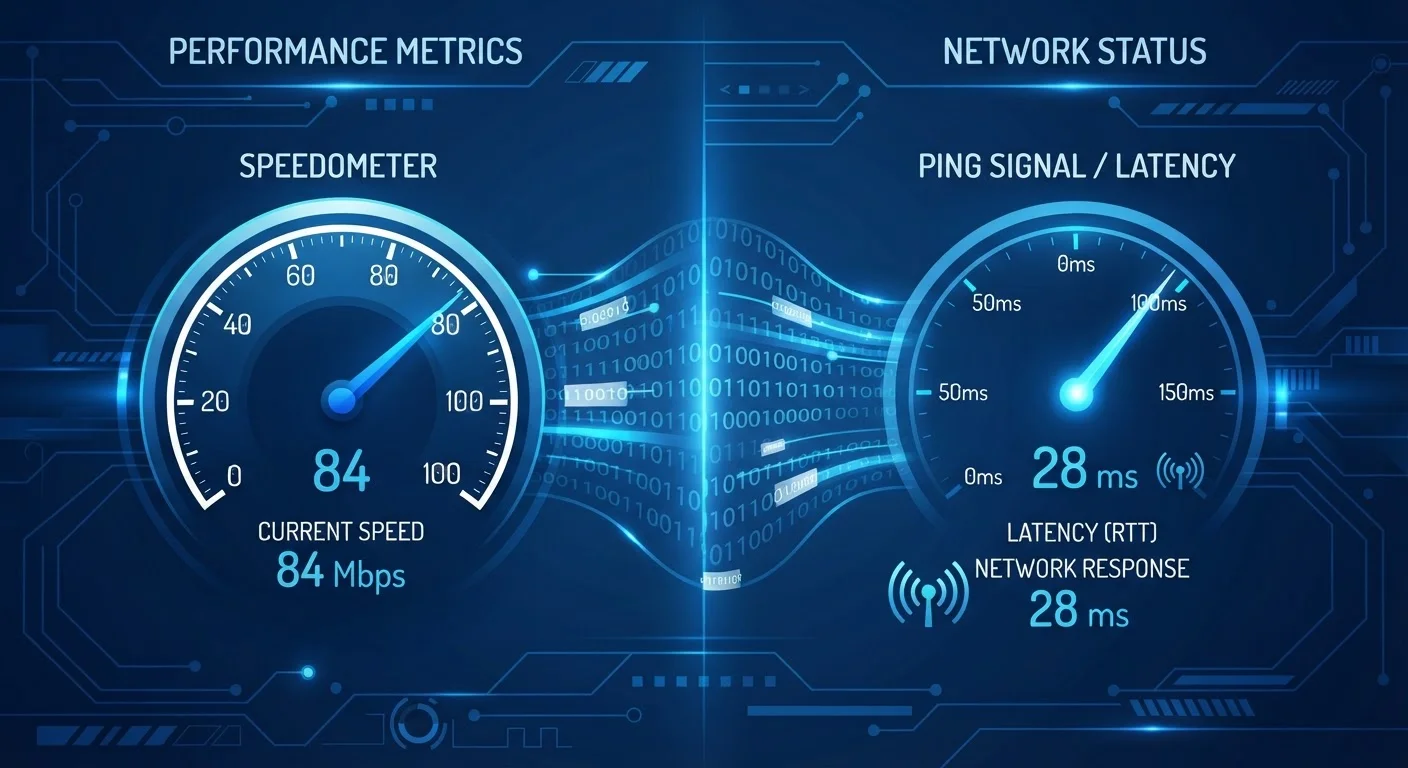
Option A
Bandwidth (Speed)
The volume of data your connection can carry at once.
Best for: Downloading large files, streaming high-definition video, and supporting multiple devices simultaneously.
Option B
Latency
The time it takes for data to travel from your device to a server and back.
Best for: Real-time activities like online gaming, video calls, and browsing pages that require quick server responses.
Two Numbers, Two Very Different Things
When most people complain that their internet is slow, they mean one of two distinct problems — but they rarely know which one. Either their connection can't carry enough data at once (a bandwidth problem), or data is taking too long to make the round trip between their device and a server (a latency problem). Confusing the two leads to upgrades that don't solve anything.
Bandwidth — commonly called speed — is measured in megabits per second (Mbps) or gigabits per second (Gbps). Think of it as the width of a pipe: a wider pipe moves more water at once. A 200 Mbps plan can transfer roughly 25 megabytes of data every second. Latency, by contrast, is measured in milliseconds (ms) and describes the delay — how long a single signal takes to travel from your device to a destination and return. Think of it as how quickly you get a response when you knock on a door, regardless of how wide that door is.
| Criterion | Bandwidth (Speed) | Latency |
|---|---|---|
| What it measures | Volume of data transferred per second | Round-trip time for a data signal |
| Unit of measurement | Mbps or Gbps | Milliseconds (ms) |
| Generally acceptable range | Depends on household use; 25+ Mbps for basic use | Under 50 ms; under 20 ms for gaming |
| Primary use case | Streaming, downloading, multi-device households | Gaming, video calls, interactive browsing |
| Main causes of problems | Plan tier, congestion, shared users | Distance to server, hardware, connection type |
| Fixed by upgrading your plan? | Often yes | Not usually |
These two metrics are mostly independent. You can have very high bandwidth and very high latency, or a modest connection with impressively low latency. Understanding what your speed test actually reports — including the ping measurement — is a useful first step toward diagnosing which problem you're actually dealing with.
When Each One Matters More
The activity you're doing almost entirely dictates which metric matters more in practice.
Activities Where Bandwidth Dominates
Downloading a large software update, watching 4K video, or backing up files to the cloud are all throughput-heavy tasks. They move large amounts of data in one direction and don't require split-second responsiveness. A higher bandwidth plan reduces the time these tasks take. If your household has many simultaneous users or devices, bandwidth becomes even more critical — every active stream or download draws from the same shared pool. See how your router divides that capacity across devices when everyone is online at once.
Activities Where Latency Dominates
Online gaming, live video calls, and interactive trading platforms all require rapid, continuous exchanges of small data packets. In a first-person shooter, for example, your device must constantly send your position and receive the positions of other players. A 20 ms delay is nearly imperceptible; a 150 ms delay produces visible lag. Bandwidth can be relatively modest for these uses — a video call might require only 3–5 Mbps — but latency spikes will disrupt the experience regardless of how fast your plan is on paper.
What 'Ping' Means on a Speed Test
When you run a speed test, the 'ping' result is your latency measurement — the time in milliseconds for a signal to reach the test server and return. A separate value called 'jitter' measures how much that ping varies over time. Consistent low ping is more important than an occasional low reading; high jitter means your connection is unstable even if the average latency looks acceptable.
Web browsing sits in between. Loading a modern webpage involves potentially dozens of separate requests to servers. Each request is subject to latency. Even with a fast connection, high latency makes pages feel sluggish because each element waits in line. This is why advertised plan speeds don't always reflect real-world browsing responsiveness.
What Shapes Your Latency (and What You Can Do About It)
Unlike bandwidth, which is largely set by your plan tier, latency is influenced by several factors — some within your control.
- Connection type: Fiber-optic connections generally offer lower latency than cable, which typically beats DSL. Satellite internet — including newer low-Earth-orbit services — still carries higher latency than ground-based connections, though the gap has narrowed considerably with recent technology.
- Router and modem quality: Older or budget hardware introduces processing delays that add to your baseline latency. If your router is several years old, this may be a contributing factor.
- Physical distance to servers: Data travels at real physical speeds through cables. A server located across the country adds milliseconds that a nearby server wouldn't. Content delivery networks (CDNs) exist specifically to reduce this distance for popular services.
- Network congestion: When your ISP's infrastructure is overloaded — common during evening peak hours — latency can spike significantly. Evening slowdowns affect latency and bandwidth simultaneously.
- Wi-Fi vs. wired connection: A wired Ethernet connection almost always delivers lower and more stable latency than Wi-Fi, especially across longer distances from your router or through walls.
< 20 ms
Target latency for competitive online gaming
Network performance guidelines widely used by gaming platform developers suggest latency below 20 ms for a seamless competitive experience.
3–5 Mbps
Typical bandwidth needed per video call
Major video conferencing platforms publish recommended bandwidth requirements in this range for standard HD calls — well within most broadband plans.
If you're experiencing frustrating real-time performance, check your ping reading on a speed test before assuming you need a higher-tier plan. A plan upgrade adds bandwidth but won't reduce latency caused by hardware, distance, or congestion.
The content on this site is for informational purposes only and is not a substitute for professional advice. Always consult a qualified professional for guidance specific to your situation.