

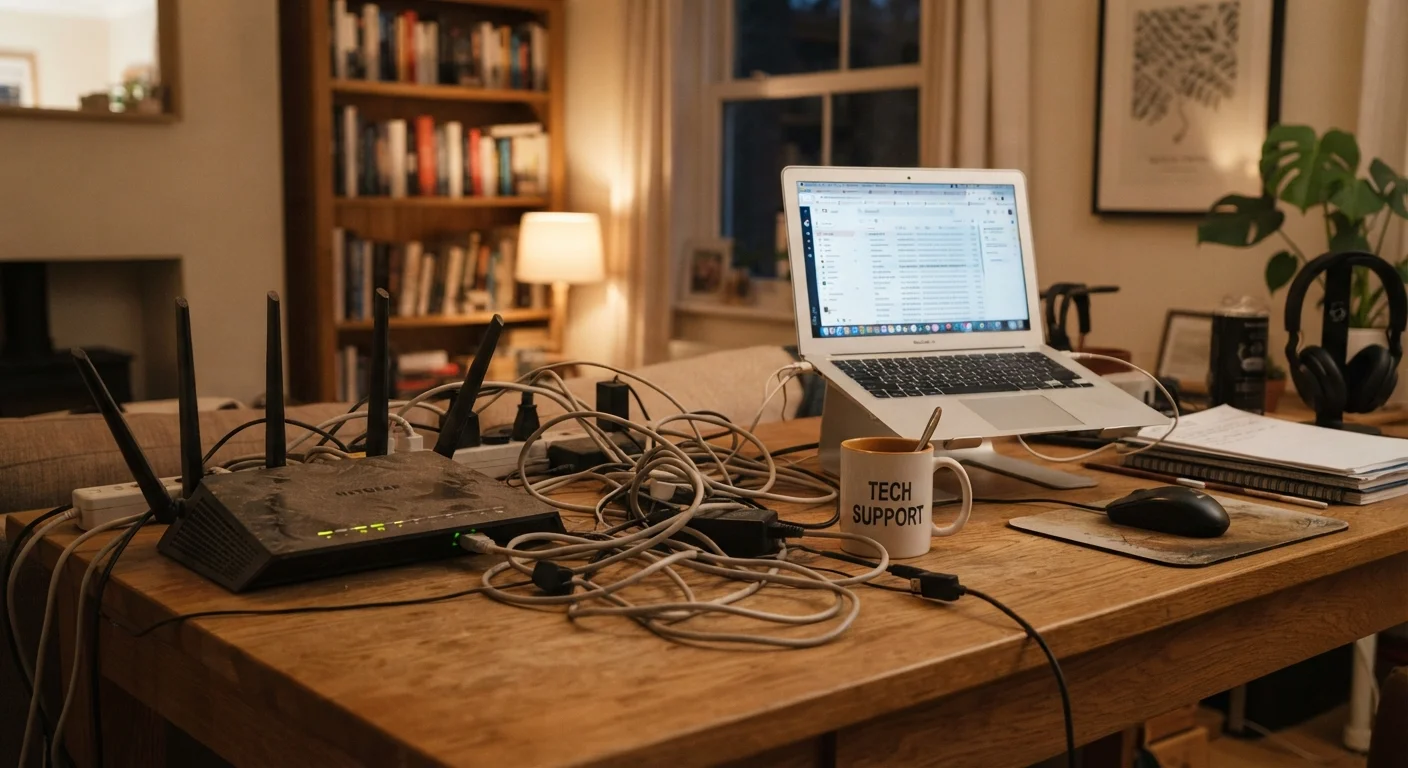
When 'Good Enough' Stops Being Good Enough
Most households set up their home internet once and quietly forget about it — until something goes wrong. But networks don't degrade dramatically overnight. They fall behind gradually, as more devices join the household, streaming quality rises, remote work becomes routine, and the router collecting dust in the corner ages out of relevance.
The result is a slow creep of frustration: video calls that stutter, downloads that drag, and a Wi-Fi signal that vanishes halfway down the hall. The good news is that most of these problems have straightforward solutions once you recognize them. Below are the clearest signals that your home internet setup is overdue for a rethink — no technical background required.
Your router is more than four or five years old
Wi-Fi standards have advanced considerably over the past decade. Older routers typically support Wi-Fi 5 (802.11ac) or earlier, while newer devices are designed to take advantage of Wi-Fi 6 and Wi-Fi 6E. An aging router can act as a bottleneck, capping the speeds your devices actually receive even when your internet plan delivers faster throughput to your home. If your router predates your current lineup of phones, laptops, and smart home devices, it's worth considering whether it's keeping pace.
An aging router can cap your real-world speeds no matter how fast your plan is.
You have significantly more devices than when you started
The average US household now connects far more devices than it did even five years ago — smartphones, tablets, smart TVs, thermostats, security cameras, voice assistants, and laptops all compete for bandwidth simultaneously. If your plan and router were sized for a household of two with a laptop each, they may be struggling to serve a dozen active devices today. Congestion on your home network can look exactly like a slow internet connection, even when your plan is technically adequate.
A household of ten devices needs a very different setup than one built for two.
You regularly experience dead zones or weak signal in certain rooms
Wi-Fi coverage depends on your router's position, the building materials in your home, and the router's age and capability. Thick walls, multiple floors, and interference from neighboring networks can all shrink your usable coverage area. If there are rooms where you consistently lose signal or drop to a slow connection, your current router isn't covering your space effectively. Repositioning the router — ideally centrally and elevated — is always worth trying first before investing in additional hardware.
Dead zones often point to placement problems or hardware that's outgrown your floor plan.
Speed tests reveal a large gap between what you're paying for and what you're getting
Running a speed test (using a reputable free tool in your browser) while connected directly to your modem via ethernet gives you a baseline. If that number falls far short of your plan's stated speed consistently, there may be a service issue worth reporting to your provider. If the wired speed is fine but Wi-Fi speeds disappoint, the problem is likely your router or its placement. A persistent gap between paid and delivered speed — after ruling out local factors — is a signal to contact your provider or reassess your equipment.
A wired speed test is the most reliable way to separate a plan problem from a hardware problem.
Your household has shifted to heavier usage patterns
Working from home, video conferencing, 4K streaming, and cloud gaming each consume far more bandwidth than casual web browsing or standard-definition video. If your household's habits have shifted — more people working remotely, kids streaming educational content, or a gaming setup added to the mix — your plan may simply be undersized for current demand. Entry-level plans that once felt sufficient can become genuinely inadequate as usage patterns evolve, and upgrading to a higher-tier plan is sometimes the most straightforward fix available.
Usage patterns evolve; the plan you signed up for years ago may no longer fit your household.
You're rebooting your modem or router on a regular basis just to stay connected
Occasionally restarting networking equipment is normal. Doing it weekly — or more — to restore a stable connection is not. Frequent reboots often indicate that hardware is overheating, failing, or simply too dated to manage the load being placed on it. It can also signal a service issue from your provider worth investigating. Either way, treating a reboot as a routine maintenance task is a sign something in your setup needs a more permanent fix.
Routine reboots are a warning sign, not a maintenance strategy.
What to Do Once You've Spotted the Signs
Identifying the problem is half the battle. From there, the fixes range from free (repositioning your router, rebooting your modem regularly) to modest investments (upgrading aging hardware or bumping to a higher-tier plan). Before spending anything, run a speed test at different times of day and in different rooms — that data tells you whether you have a plan problem, a hardware problem, or a coverage problem.
Start with a speed test before spending anything
Run a speed test using a wired ethernet connection directly to your modem, then again over Wi-Fi in different rooms. Comparing these results tells you whether the issue is your internet plan, your router, or simply coverage. Free speed-testing tools are available through most major browsers and don't require any account or software.
If dead zones are the issue, a range extender or a mesh system may help — though they're not always necessary. Our guide on mesh Wi-Fi networks explains when they genuinely help and when a simpler fix will do. And if you've ever wondered whether your provider's advertised speed numbers actually reflect what you'll experience, understanding how speed claims work is a useful starting point before you call to upgrade your plan.
For devices that need a rock-solid connection — a desktop used for work, a gaming console, or a smart TV — consider a wired connection. When a cable still makes sense covers the practical reasons to plug in even in a mostly wireless home.
The content on this site is for informational purposes only and is not a substitute for professional advice. Always consult a qualified professional for guidance specific to your situation.