

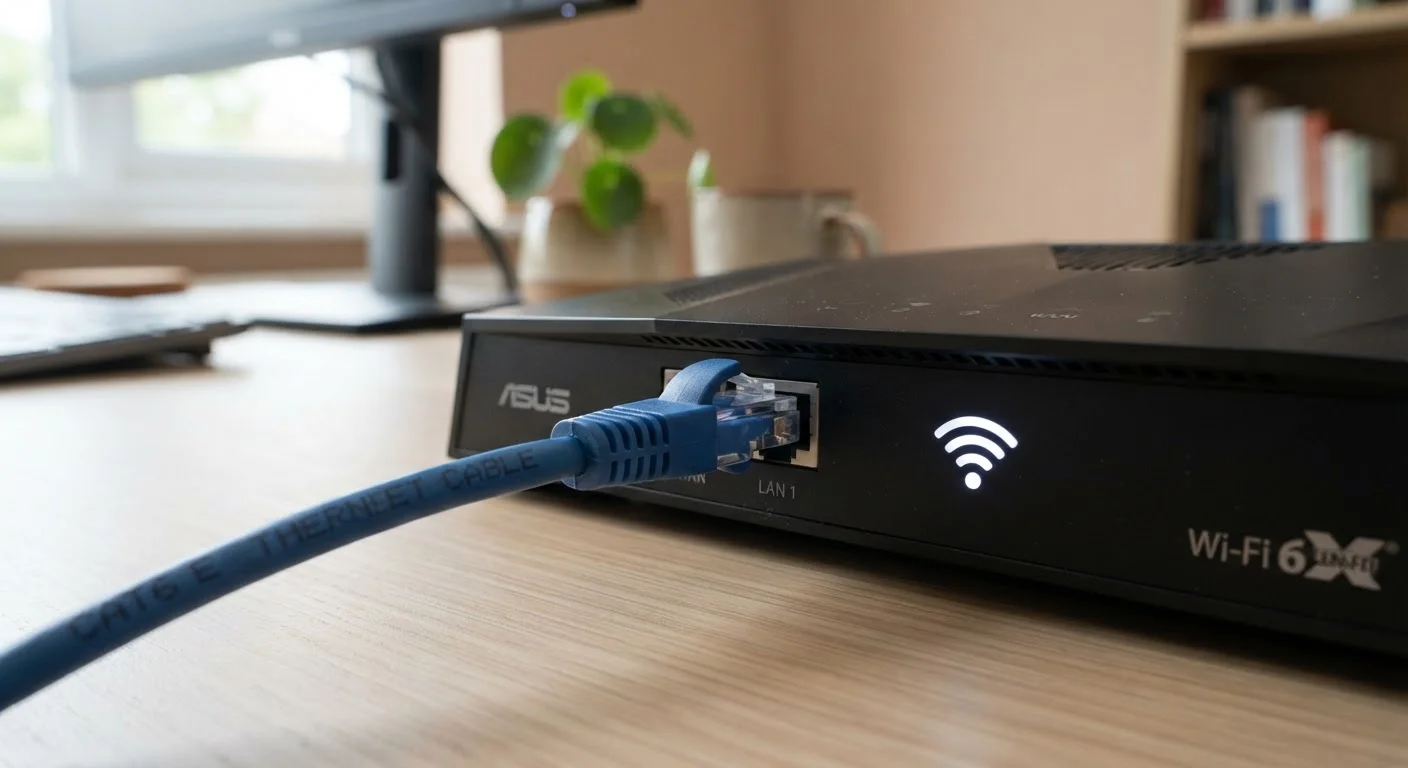
Option A
Wi-Fi
The convenient, cable-free standard for modern homes.
Best for: Mobile devices, casual browsing, and any location where running a cable is impractical.
Option B
Ethernet
The reliable, high-performance wired connection that delivers consistency.
Best for: Gaming, video streaming, remote work, and stationary devices that need stable, low-latency connections.
The Case for Going Wireless
Wi-Fi has become the default choice in American homes for one simple reason: convenience. No drilling, no cable management, no being tethered to a single spot. A good router can blanket a typical house with enough signal for streaming, browsing, and video calls simultaneously.
Modern Wi-Fi standards — particularly Wi-Fi 6 and the newer Wi-Fi 6E — have meaningfully improved speeds and how routers handle multiple devices at once. If you have a busy household where phones, tablets, laptops, and smart home gadgets all compete for bandwidth, a capable router running a current standard handles that traffic far better than older equipment. For a deeper look at how your connection type affects performance before the signal even reaches your router, see our guide to home internet connection types.
Wi-Fi is also the only realistic option for devices that simply have no Ethernet port — smartphones, most modern laptops, and tablets are designed around wireless. If those are your primary devices, the cable debate is largely settled for you.
Where Ethernet Still Wins
Despite Wi-Fi's advances, a physical cable connection maintains clear advantages in specific situations. The core difference comes down to consistency. Wi-Fi operates on shared radio frequencies that can be disrupted by neighboring networks, thick walls, microwaves, and even cordless phones. Ethernet is a direct, dedicated connection — interference simply isn't a factor.
| Criterion | Wi-Fi | Ethernet |
|---|---|---|
| Typical real-world speed | Variable; depends on signal strength | Consistent; close to plan maximum |
| Latency (ping) | Higher and more variable | Lower and more stable |
| Interference risk | High (walls, devices, neighbors) | None |
| Setup ease | Simple — no cables needed | Requires cable routing |
| Device mobility | Full — works anywhere in range | None — device must stay plugged in |
| Security | Broadcasts beyond walls; needs encryption | Requires physical access to intercept |
| Best for | Phones, tablets, laptops | Desktops, consoles, smart TVs |
Latency is the metric that matters most for real-time tasks like online gaming or video conferencing. Even a strong Wi-Fi signal introduces more variability in response times than a wired connection. For competitive gaming, that variability — called jitter — can be the difference between a fluid experience and a frustrating one.
Security is another underappreciated advantage. A wired connection can only be accessed by someone physically plugging into your network. Wi-Fi signals broadcast beyond your walls, which is why wireless security practices matter so much. If you're on Wi-Fi, securing your wireless network should be a priority alongside any speed improvements you make.
The Practical Middle Ground
Most households don't need to choose one or the other — a mixed setup works best. The typical approach is to connect stationary, high-demand devices (desktop computers, gaming consoles, smart TVs, network-attached storage) via Ethernet while leaving Wi-Fi for everything mobile.
Not All Ethernet Cables Are the Same
Ethernet cables come in categories — Cat 5e, Cat 6, and Cat 6a are the most common in homes. Cat 5e supports speeds up to 1 Gbps and is adequate for most households. Cat 6 and Cat 6a handle faster speeds and are worth considering if you're running new cable and want to future-proof the installation. The cable category does not affect your internet plan speed if your plan is under 1 Gbps, but it matters for local network transfers between devices.
Running Ethernet cables through finished walls isn't always simple, but there are workarounds. Powerline adapters use your home's existing electrical wiring to carry a network signal, and MoCA adapters do the same over coaxial cable if you have it. Neither matches a direct Ethernet run for peak performance, but both outperform a weak Wi-Fi signal across a large home.
If your wireless coverage itself is the problem rather than the technology, mesh networks and Wi-Fi extenders each address dead zones differently — worth understanding before you invest in either. And if your current gear feels sluggish regardless of connection type, signs your home internet setup needs an upgrade can help you identify whether the problem is equipment or your plan.
Which Connection Type Is Right for Your Setup?
The honest answer depends on what you're connecting and where it lives. Ask yourself two questions: Does the device move? And does the task demand consistent, low-latency performance?
~5 ms
Typical Ethernet latency in home networks
Wired connections in home settings commonly achieve latency under 5 milliseconds, compared to 20–50 ms or higher on Wi-Fi under typical conditions.
Up to 40%
Wi-Fi throughput lost to interference
Studies on wireless network performance have found that dense residential environments with many overlapping networks can reduce effective Wi-Fi throughput by as much as 40 percent.
10 Gbps
Maximum speed of modern Ethernet (Cat 6a)
Cat 6a Ethernet cable supports up to 10 gigabits per second over standard cable lengths, well above what most residential internet plans currently deliver.
If the device is stationary and the task is demanding — a desktop for remote work, a console for online gaming, a TV for 4K streaming — an Ethernet cable is the straightforward upgrade. If the device moves or has no wired port, Wi-Fi is your connection. The two aren't rivals so much as tools suited to different jobs, and most home networks run better when both are used intentionally.
Understanding exactly what cables and connectors you're working with is useful when setting up a wired connection. Our guide to ports, plugs, and connectors breaks down the differences between Ethernet cable categories and other common connector types you'll encounter.
The content on this site is for informational purposes only and is not a substitute for professional advice. Always consult a qualified professional for guidance specific to your situation.