

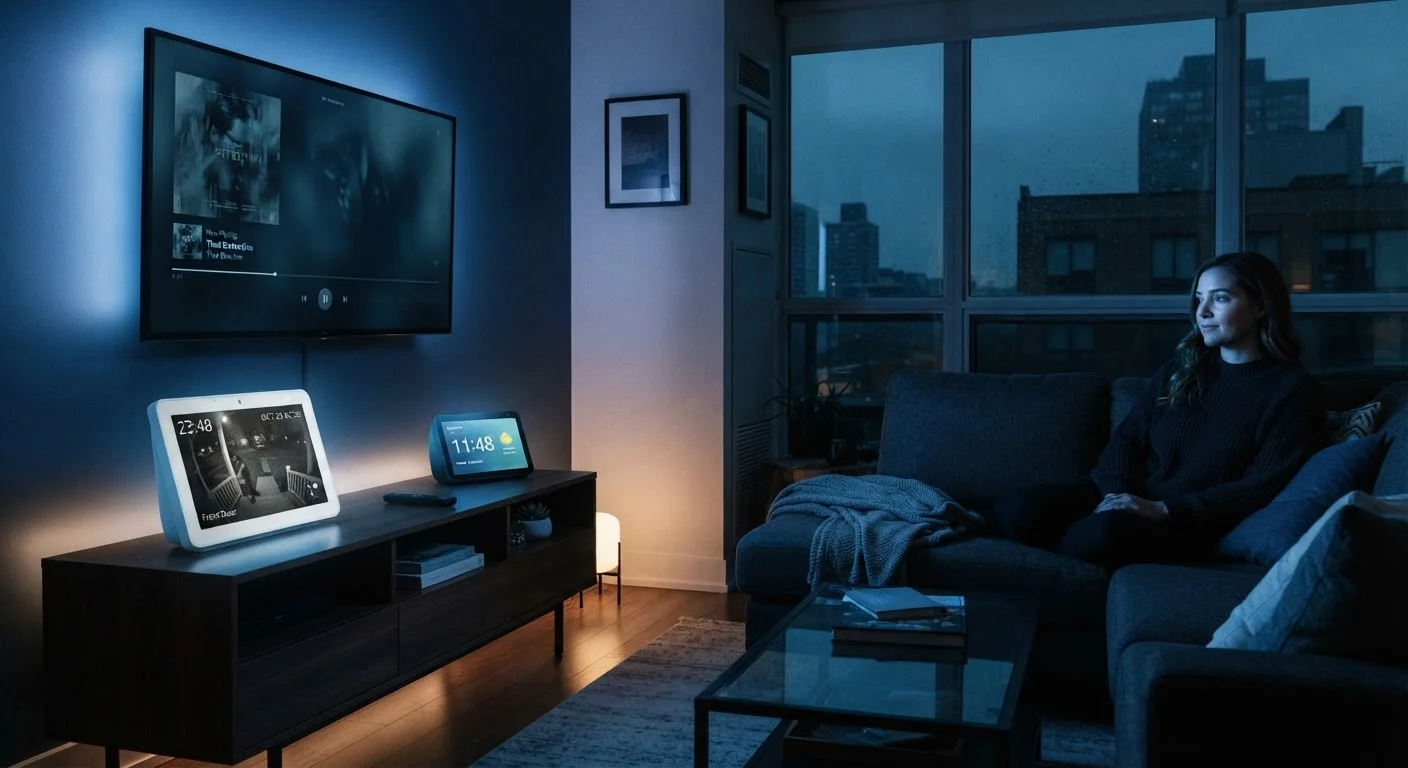
What the Quick-Start Guide Leaves Out
Setting up a smart device is designed to feel frictionless. You plug it in, connect it to Wi-Fi, accept a terms-of-service agreement in a hurry, and within minutes you're talking to a speaker or watching a streaming app. What the quick-start guide doesn't walk you through is the data relationship you just entered.
Smart devices — from connected speakers and video doorbells to smart TVs and robot vacuums — function by collecting information. That's not a flaw; it's the architecture. The convenience they offer depends on processing signals, learning preferences, and in many cases, transmitting data to remote servers. For consumers, the question isn't whether this happens. It's understanding what is collected, how it's used, and what control you actually have.
If you're newer to this landscape, our beginner's guide to digital privacy lays out foundational concepts worth reading alongside this article. And if you're building out a full connected home, what consumers should know before setting up a smart home covers the broader ecosystem picture.
The considerations below aren't meant to alarm — they're meant to inform. Each one reflects a real aspect of smart device behavior that manufacturers rarely surface prominently.
Voice assistants listen for more than just the wake word
Smart speakers and voice-enabled devices use a wake word — "Hey, [assistant]" — to trigger active listening. In practice, the local microphone is always processing ambient audio at a low level to detect that trigger. Occasionally, similar-sounding phrases cause what manufacturers call "false activations," meaning a snippet of conversation gets recorded and sent to servers without intentional prompting.
Most platforms allow you to review and delete your voice history through their companion apps. It's worth doing this periodically. You can also explore whether your device has a physical microphone mute button — a hardware switch that cuts the mic circuit entirely, which is more reliable than a software mute.
False activations can send unintended audio snippets to manufacturer servers without you realizing it.
Smart TVs use a tracking technology called ACR
Automatic Content Recognition (ACR) is a feature built into most smart TVs that identifies what's playing on your screen — regardless of whether you're using a streaming app, a cable box, or a gaming console. It does this by periodically capturing frames and matching them against a database. The resulting data — essentially a log of your viewing habits — is typically used for targeted advertising.
ACR is usually enabled by default and disclosed somewhere in the setup flow, but the opt-out step is easy to miss. Check your TV's privacy or "viewing data" settings menu. The option may be labeled "Samba TV," "LivePlus," "Viewing Information Services," or something similar, depending on the manufacturer. For more on how streaming hardware compares to built-in smart TV software, see our streaming device comparison.
ACR logs everything displayed on your screen — including cable and gaming content — not just streaming apps.
Video doorbells and cameras create persistent location records
A video doorbell records who enters and leaves your home and at what times. That data — motion events, clips, and access logs — is typically stored in the cloud, which means it exists on someone else's servers under their retention policies. Some platforms have, in the past, shared footage with law enforcement in response to requests without notifying users in advance.
Review your device's data retention settings: how long clips are stored, whether facial recognition features are active, and what the platform's policy is on third-party data requests. Understand the difference between local and cloud storage options if your device offers both. For a balanced look at DIY monitoring trade-offs, our guide to DIY home security monitoring is a useful companion read.
Cloud-stored doorbell footage is subject to the platform's own retention and disclosure policies, not just yours.
Default app permissions on companion apps are often overly broad
Every smart device comes with a companion app, and that app typically requests permissions on your smartphone — location access, contacts, microphone, Bluetooth, local network. Many of these permissions are granted during setup without scrutiny because the focus is on getting the device online quickly.
After setup, open your phone's settings and audit the permissions granted to each smart home app. Ask whether the device actually needs continuous location access to function, or whether the permission serves an advertising or analytics purpose instead. Reducing permissions to the functional minimum is a straightforward way to limit data exposure. Our guide to unboxing a new gadget without sacrificing privacy includes a practical permissions checklist.
Companion apps often retain broad smartphone permissions long after initial setup — revisiting them costs little effort.
Your home network carries the traffic from every device
Every smart device on your Wi-Fi network can, in principle, see other devices on that same network. A compromised or poorly secured device could potentially expose data from other connected devices. This is less theoretical than it sounds — security researchers have demonstrated that certain smart home devices transmit data in unexpected ways.
A practical mitigation is network segmentation: placing smart devices on a separate guest network or VLAN, which isolates them from computers and phones holding more sensitive information. Most modern routers support a guest network as a built-in option. For a broader look at home and public network risks, our Wi-Fi security guide covers the key habits that reduce exposure.
Placing smart devices on a separate guest network isolates them from your most sensitive personal data.
Terms of service govern data sharing — and they change
The privacy policy you accepted at setup is a living document. Manufacturers can update their data collection and sharing practices over time, often with notification buried in an email or app update notice. Data that wasn't shared with third parties when you first bought the device may be subject to different rules after a platform acquisition or policy revision.
It's worth periodically checking the privacy policy for any device you consider high-sensitivity — particularly those with microphones or cameras. Look specifically for sections on third-party sharing, advertising partners, and what happens to your data if the company is sold. Understanding your smart devices as part of your broader digital footprint connects naturally to the topic of data brokers and how information flows beyond the devices themselves.
Privacy policies can change after purchase — the terms you accepted at setup may not be the terms in effect today.
Making These Considerations Work for You
Awareness is the most durable privacy tool you have. Manufacturers do change their data practices — sometimes for the better after regulatory pressure, sometimes in ways that quietly expand collection. Revisiting your device settings every six months or so, the same way you might update passwords, keeps you current.
Build a Simple Smart Device Audit Habit
Set a calendar reminder every six months to review the privacy settings on your smart devices and companion apps. Check for firmware updates, review which permissions each app holds, and skim any policy change notifications from manufacturers. Ten minutes twice a year meaningfully reduces the chances of quietly expanded data collection going unnoticed.
It's also worth thinking about smart devices in the context of your broader data footprint. Data collected by a robot vacuum mapping your floor or a TV tracking your viewing habits doesn't stay siloed — it can feed into profiles held by data brokers and ad networks. Our article on what data brokers know about you explains how that downstream flow works and what opt-out options generally exist.
For those using connected cameras or smart locks specifically, see our comparison of smart home security devices versus traditional alarm systems for a fuller picture of the trade-offs involved. The goal isn't to avoid smart technology — it's to use it with clear eyes.
This article is for informational purposes only. Privacy laws, device capabilities, and manufacturer data practices vary and change over time. Readers should consult individual product documentation and applicable privacy regulations for guidance specific to their situation.
The content on this site is for informational purposes only and is not a substitute for professional advice. Always consult a qualified professional for guidance specific to your situation.