

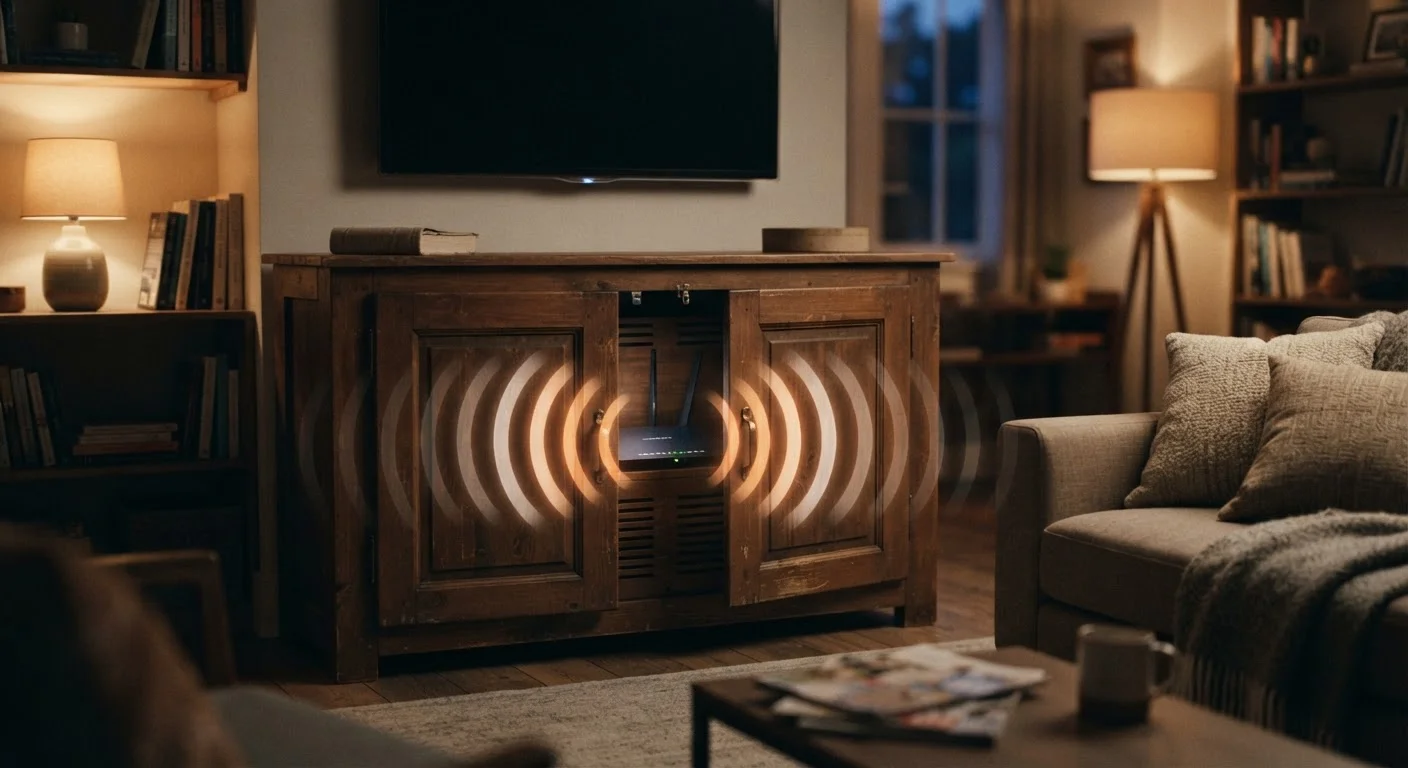
Why Router Location Is a Signal Issue, Not Just a Tidiness Choice
Most people troubleshoot slow Wi-Fi by restarting the router or calling their internet provider. Far fewer think to look at where the router is actually sitting. Yet placement is one of the most influential variables in how well your wireless network performs — and it costs nothing to change.
Wi-Fi signals travel as radio waves. Like all radio waves, they lose strength as they travel through air and weaken further when they encounter physical obstacles. The materials in your walls, the appliances on your counters, and even the furniture between rooms all absorb or deflect that signal before it reaches your device. Starting from a poor location compounds every one of these losses.
Understanding a few basic principles of how radio signals behave can help you make smarter placement decisions without any technical expertise. The mistakes below cover the most common errors American households make — and each one is fixable without buying new equipment.
Hiding the router inside a cabinet or entertainment center to keep it out of sight.
Why it happens: Routers are utilitarian-looking devices that many people prefer to conceal for aesthetic reasons.
Placing the router in a corner or at one end of the home rather than centrally.
Why it happens: Routers are often positioned wherever the modem or cable outlet happens to be, regardless of whether that location is practical.
Setting the router on the floor or at ground level.
Why it happens: Floor-level placement seems natural near cable outlets, and people don't always consider how elevation affects signal.
Placing the router next to a microwave, cordless phone base, or baby monitor.
Why it happens: These devices share the 2.4 GHz frequency band with many routers, but most people aren't aware of the interference they cause.
Positioning the router directly against or inside a concrete, brick, or metal-framed wall.
Why it happens: Dense building materials are among the most effective blockers of Wi-Fi signals, but this isn't intuitive when choosing where to put a router.
Using the router's default antenna orientation without adjustment.
Why it happens: Most people never touch their router's antennas after plugging it in, assuming the default position is optimal.
When Better Placement Still Isn't Enough
Optimizing your router's position resolves the majority of weak-signal complaints in average-sized homes. But some floor plans — particularly large, multi-story, or irregularly shaped houses — present challenges that a single router can't fully address regardless of where it sits.
~30%
Signal loss through a single interior wall
Building materials testing by wireless networking researchers consistently shows interior drywall walls reduce signal strength by roughly 30%, with brick and concrete causing substantially higher losses.
2–3 ft
Minimum clearance from interfering appliances
Networking guidance from equipment manufacturers generally recommends keeping routers at least 2–3 feet away from microwaves, cordless phones, and similar 2.4 GHz devices.
If you've corrected the placement mistakes above and still experience dead zones, the issue may be architectural rather than positional. In that case, it's worth understanding your options. A Wi-Fi extender can boost signal in a specific area, though it creates a separate network your devices have to manually switch between. Mesh systems, by contrast, use multiple nodes that work as a unified network — though they're not always necessary. Our guide to when mesh Wi-Fi actually makes sense walks through the scenarios where they're worth it and where a simpler fix will do.
Don't Assume More Equipment Fixes a Placement Problem
Adding a Wi-Fi extender or a second router without first correcting the original router's placement can amplify a weak or interference-prone signal rather than a strong one. Address placement first, then evaluate whether additional hardware is genuinely needed. Layering equipment on top of a poorly placed router often creates more complexity without meaningful improvement.
It's also worth checking whether your equipment itself might be the limiting factor. Older routers may not support current wireless standards, and outdated hardware can throttle performance even with a fast internet plan. If placement improvements make only a marginal difference, these signs that your setup needs an upgrade are worth reviewing. And once your signal is reliable, it's a good time to think about how that network is secured — our overview of Wi-Fi security at home and in public covers the habits that matter most.
The content on this site is for informational purposes only and is not a substitute for professional advice. Always consult a qualified professional for guidance specific to your situation.