

Our Verdict
DIY home security monitoring is a genuinely capable option for cost-conscious, tech-comfortable households willing to manage their own alert responses. It falls short, however, for anyone who travels frequently, sleeps heavily, or simply wants a professional safety net without involvement. Neither approach is objectively superior — the right fit depends entirely on how your household operates.
Best for homeowners or renters who are reliably reachable, comfortable with app-based technology, and want meaningful savings over professional monitoring contracts.
What DIY Home Security Monitoring Actually Means
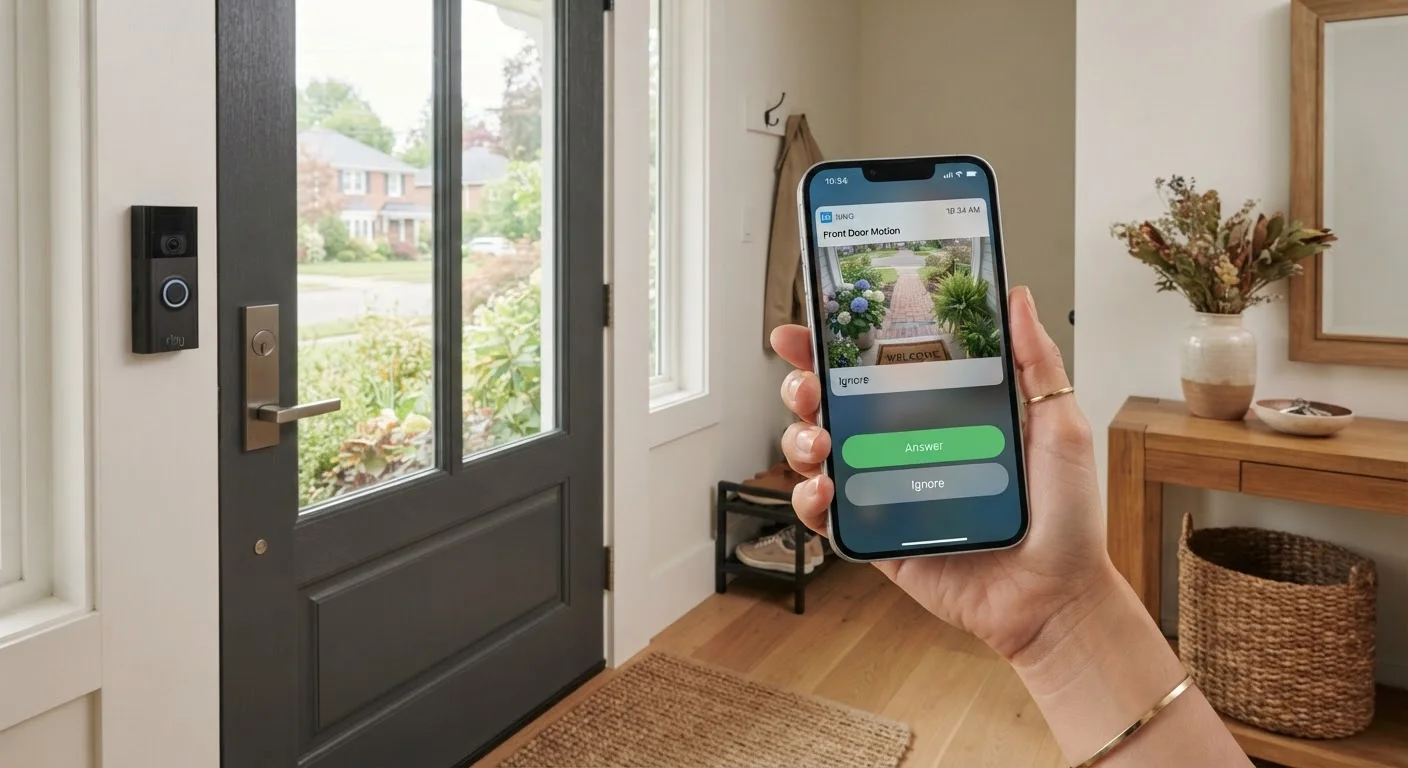
Self-monitored home security means that when a sensor triggers — a door contact opens unexpectedly, a motion detector fires, or a camera detects movement — the alert goes directly to you via a smartphone notification or app. There is no central monitoring station receiving that signal and calling emergency services on your behalf. You review the alert, assess the situation, and decide whether to call 911 yourself.
This model has grown significantly as Wi-Fi-connected cameras, smart locks, and sensor kits have become more accessible. Many systems are genuinely straightforward to install without specialist tools. For a deeper look at how these devices fit into a broader connected-home setup, see our smart home setup guide. For a side-by-side comparison of self-monitored and professionally monitored systems, this breakdown of smart versus traditional alarm systems is a useful companion read.
The Advantages Worth Considering
DIY monitoring carries real, practical benefits that make it the right choice for many households.
No monthly professional monitoring fees
Most self-monitored systems charge only for hardware and optional cloud storage, eliminating recurring contracts that can run $20–$60 per month with professional services.
Full control over your alert responses
You decide in real time whether to call authorities, check in yourself, or dismiss a false alarm — without waiting for a monitoring center to escalate.
Flexible, contract-free setup
DIY systems typically require no long-term commitment, so you can upgrade hardware, switch platforms, or discontinue service without cancellation penalties.
Integrates with existing smart home devices
Many self-monitored systems work alongside smart speakers, video doorbells, and home automation routines you may already have in place.
Accessible installation for most households
Wireless sensors and adhesive mounts mean most systems can be set up in an afternoon without drilling or running cable through walls.
$20–$60
Typical monthly savings vs. professional monitoring
Professional home security monitoring contracts generally range from roughly $20 to $60 per month depending on the provider and tier of service.
~83%
Burglaries targeting residential properties
According to FBI crime data, the large majority of burglaries occur at residential properties, underscoring why the response model — DIY or professional — genuinely matters.
Beyond cost, self-monitoring gives you direct visibility into what's happening. You can review camera footage immediately, share clips with neighbors, or quietly assess whether an alert is a false alarm before involving anyone else. There are no contracts tying you to a service, and you can scale the system up or down as your needs change.
The Disadvantages You Should Weigh Honestly
The trade-offs are equally real and deserve careful thought before committing to the DIY route.
You must respond to every alert yourself
If you miss a notification — because your phone is silenced, you're asleep, or you're in a no-signal area — no one else is watching. A professional monitoring station operates continuously.
No guaranteed emergency dispatch
Professional monitors are trained to verify alarms and contact emergency services quickly; in a self-monitored setup, that step depends entirely on your own availability and judgment.
Alert fatigue from false alarms
Motion sensors triggered by pets, shadows, or delivery drivers can generate frequent notifications. Over time, this can cause homeowners to respond less urgently to genuine alerts.
Dependent on internet and power reliability
Most DIY systems rely on Wi-Fi; a router outage or power failure can interrupt connectivity and disable alerting — a vulnerability that some professional systems address with cellular backup.
Technical troubleshooting falls on you
Connectivity drops, firmware updates, and sensor calibration issues require your time and comfort with technology. There is no technician dispatched to resolve hardware problems.
What Happens When You're Unreachable?
One of the most practical questions to ask is what occurs if an alert fires and you don't see it for 30 minutes. In a professionally monitored system, a trained operator would already have attempted to contact you and, if unsuccessful, dispatched appropriate services. In a self-monitored setup, nothing happens automatically. Building a list of trusted contacts who can act on alerts in your absence is one way to partially address this gap, though it introduces its own coordination challenges.
It's also worth noting that some homeowner's insurance policies offer discounts for professionally monitored systems specifically — not all self-monitored setups qualify for the same reduction. Check with your insurer before assuming equivalent savings. Privacy is another layer to consider: connected cameras and sensors collect and transmit data, and understanding those implications matters. Smart device privacy considerations is a topic worth reviewing before installation.
Is the DIY Approach Right for Your Household?
Honest self-assessment matters more than technical specs when choosing a monitoring model. Ask yourself: Am I reliably reachable during the hours my home is unoccupied? A system that sends alerts to a phone you silence at night offers less protection than it appears. Similarly, consider what happens when you travel — can someone you trust act on alerts promptly?
The DIY approach aligns well with households that have flexible schedules, are comfortable troubleshooting app connectivity issues, and view cost control as a priority. It works less well for households with variable schedules, limited technical comfort, or properties that represent higher risk factors such as previous break-ins or extended vacancy. If you're evaluating this decision the same way you might weigh which home repairs are safe to DIY, the same logic applies: capability and availability determine whether self-management is genuinely practical. For budgeting the cost differences between approaches, tracking your household spending is a useful starting point.
The content on this site is for informational purposes only and is not a substitute for professional advice. Always consult a qualified professional for guidance specific to your situation.